Contribute to the docs
The docs live in docs/ and build with Zensical. Every diagram is rendered by @containerlab/clab-viewer, built from this repository, so rendering improvements in the apps show up here too.
Local development
Install the repository's pinned Node and pnpm versions, Python 3.11 or newer, and uv. Then, from the repository root:
The command builds the viewer, copies its static assets into the documentation, installs the locked Python dependencies, and starts Zensical. Edit Markdown, CSS, or templates and the preview reloads. After changing viewer code, restart pnpm run docs to rebuild the viewer bundle.
docs/examples/ is explicitly watched so edits to referenced YAML and annotations also rebuild their documentation pages. Add another watch path in zensical.toml if you store examples elsewhere.
Build and test
The build produces site/. The tests exercise Markdown validation and the built site in Chromium, including multiple viewers, tabs, source inspection, theme changes, downloads, mobile layout, and instant navigation.
Run the performance check on its own so other builds or browser tests do not compete for CPU. It checks three cold starts per profile with a 10 Mbps connection and 40 ms latency: the whole page and viewer at normal CPU speed, then viewer startup under 4× CPU slowdown. The viewer build also rejects editor dependencies in the initial bundle and enforces size limits.
Examples and diagrams
| Folder | Holds |
|---|---|
docs/examples/ |
Labs people can download and deploy. Say whether a lab is configured or wiring only, and what it needs to run. |
docs/diagrams/ |
Concept drawings, such as how the apps reach a lab host. They are topology files too, but not meant to be deployed; each starts with a comment saying so. |
Both are a .clab.yml file plus an optional .clab.yml.annotations.json, referenced from a clab fence. There is no separate image to keep in sync. To change a drawing, open the file in the app or the sandbox, arrange it, and save; or edit the annotations JSON directly. Annotation colors may use var(--vscode-editor-foreground) and var(--vscode-descriptionForeground) for text that follows the light and dark theme.
Screenshots
App screenshots live in docs/images/app/ as WebP, one per theme: <name>-dark.webp and <name>-light.webp. Show both, and the page picks the one that matches:
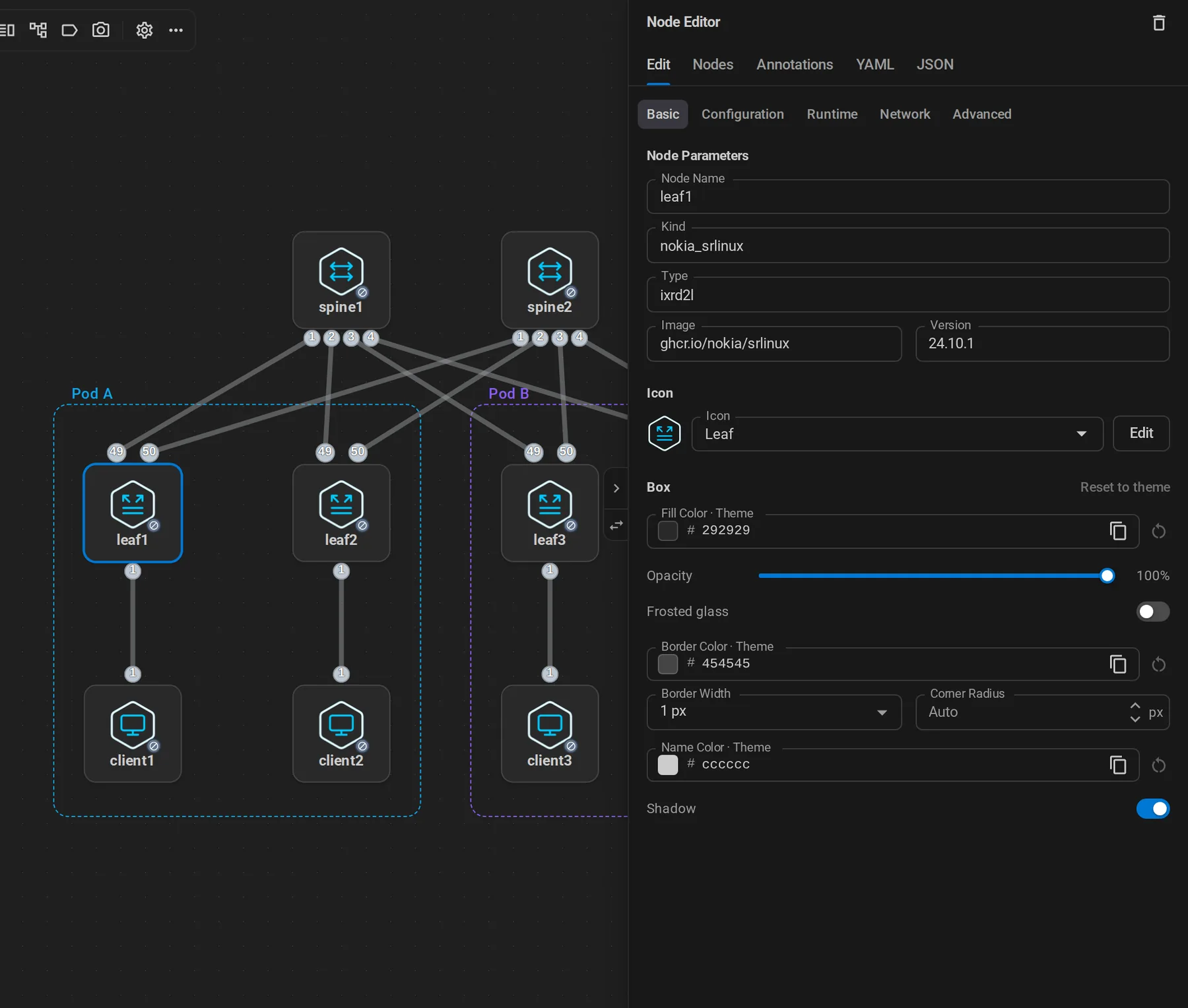{ .shot }
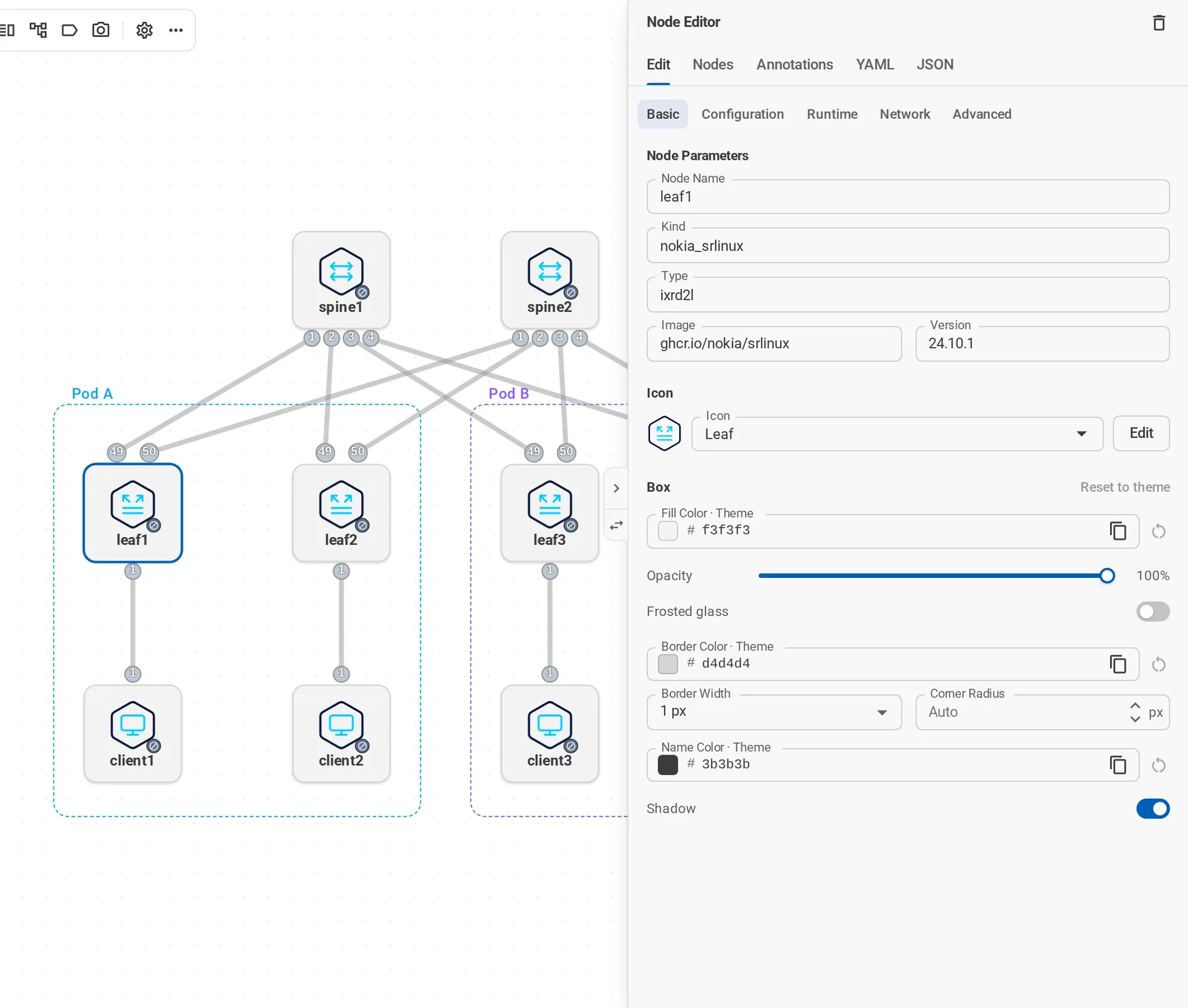{ .shot }
Add .narrow for dialogs. Take them from the UI harness (pnpm ui:dev). It renders the real app with demo labs and no personal data, and fakes deploying, so running-lab views need no containers.
Writing
- Start each page with one sentence that says what the reader gets, styled
{ .lead }. - Use the reader's task as headings: "Capture packets", not "Packet capture support".
- Name buttons exactly as the app shows them, in bold.
- Prefer a numbered
stepsblock for procedures and a table only for real comparisons. - Settings tables belong in the Reference section, not in guides.
Publishing
The GitHub Pages workflow builds both the browser sandbox and documentation. The sandbox remains at /containerlab-app/; these docs live at /containerlab-app/docs/.
Every pull request builds and tests a combined preview of the documentation and the sandbox. Pull requests from this repository then deploy that tested build to Cloudflare Pages after the required PR checks pass. Documentation opens at /, and the sandbox from the same commit is available at /sandbox/. The existing PR preview comment links to both. Fork pull requests are tested the same way but not deployed.
Run pnpm preview:build and pnpm preview:test to build and check that combined site locally. The build produces site/ and changes sandbox links in the generated docs to /sandbox/. CI sets PREVIEW_SITE_URL to the commit's Cloudflare branch URL; the local default is http://127.0.0.1:8011/.
The first version of the app guides came from the containerlab repository; see documentation sources. The CLI and node-kind reference stays on containerlab.dev.